Zip successfully extracted
Click on a file to download it.
File Type
ZIP file
File Size
kb


Compress files to zip
Create zip file from multiple files
Unzip your file
Create zip from a folder
Merge multiple ZIP files into one
Split ZIP file into smaller parts or separate files
Encrypt ZIP files with 256-bit AES password protection
Create military-grade AES-256 encrypted ZIP archives with PBKDF2
Generate MD5, SHA-1, SHA-256, and SHA-512 hashes inside ZIP archives
Decrypt password-protected ZIP archives with known password
Fix corrupted ZIP archives and recover readable files
Decompress GZ files and convert to ZIP format locally
Decompress BZ2 files and convert to ZIP format locally
Convert ZIP archives to 7Z format for better compression
Convert ZIP archives to TAR or TAR.GZ format locally
Batch convert multiple archives between formats locally
Inspect ZIP archive structure and metadata without extracting
Inspect ZIP file headers, central directory, and binary metadata locally
Detect hidden files, appended data, and ZIP bombs in archives locally
Sort ZIP archive contents into category folders based on file extensions
Generate detailed inventories of ZIP contents without extracting (CSV, JSON, TXT, HTML)
Find and remove duplicate files inside ZIP archives using CRC-32 checksums
Verify archive file integrity against expected checksums
Edit ZIP archive comments, file names, and dates without extracting
Add and edit global archive comments and individual file annotations
Batch rename files inside ZIP archives with find-replace and regex
Evaluate ZIP password entropy, estimate crack times, and check breach databases
Scan ZIP archives for structural corruption, CRC mismatches, and header damage



The tool provides a clean and intuitive upload system for users. You can either click the ‘Upload’ button and browse files or simply drag and drop your RAR archive from your device. Users can upload RAR files from Google Drive or Dropbox. This eliminates the need for local downloads. It streamlines the workflow process. There are no extra buttons or complicated settings. This simplicity ensures a smooth experience.
The tool is built to identify and extract only XML files from RAR archives. It avoids extracting unnecessary file types. This helps users focus on structured data files only. The system scans the archive thoroughly for accuracy. It ensures no XML file is missed. This is particularly helpful for developers and data analysts.
The conversion process is optimized for speed. Files are extracted within seconds after upload. Even large RAR archives are handled efficiently. The system uses advanced processing methods. Speed does not affect accuracy. Users can rely on quick results every time. Fast performance enhances user satisfaction.
The tool allows users to preview extracted XML files. This helps verify the structure and content. Users can confirm file accuracy before downloading. It reduces errors and rework. Previewing is fast and reliable. It is especially useful for large datasets. Users can quickly identify required files. This feature improves decision-making.
The tool prioritizes user privacy and security. Files are processed in a protected environment. No data is stored permanently. There is no unauthorized access. Users can safely upload sensitive XML data. Security measures are strictly followed. The platform ensures confidentiality. Safety is maintained throughout the process.
The tool is compatible with desktops, tablets, and smartphones. It supports multiple operating systems. Users can access it anytime, anywhere. The interface adapts to different screen sizes. Users can switch devices easily. There are no restrictions. It ensures universal accessibility.

Other useful information
Explore our visual guides and infographics
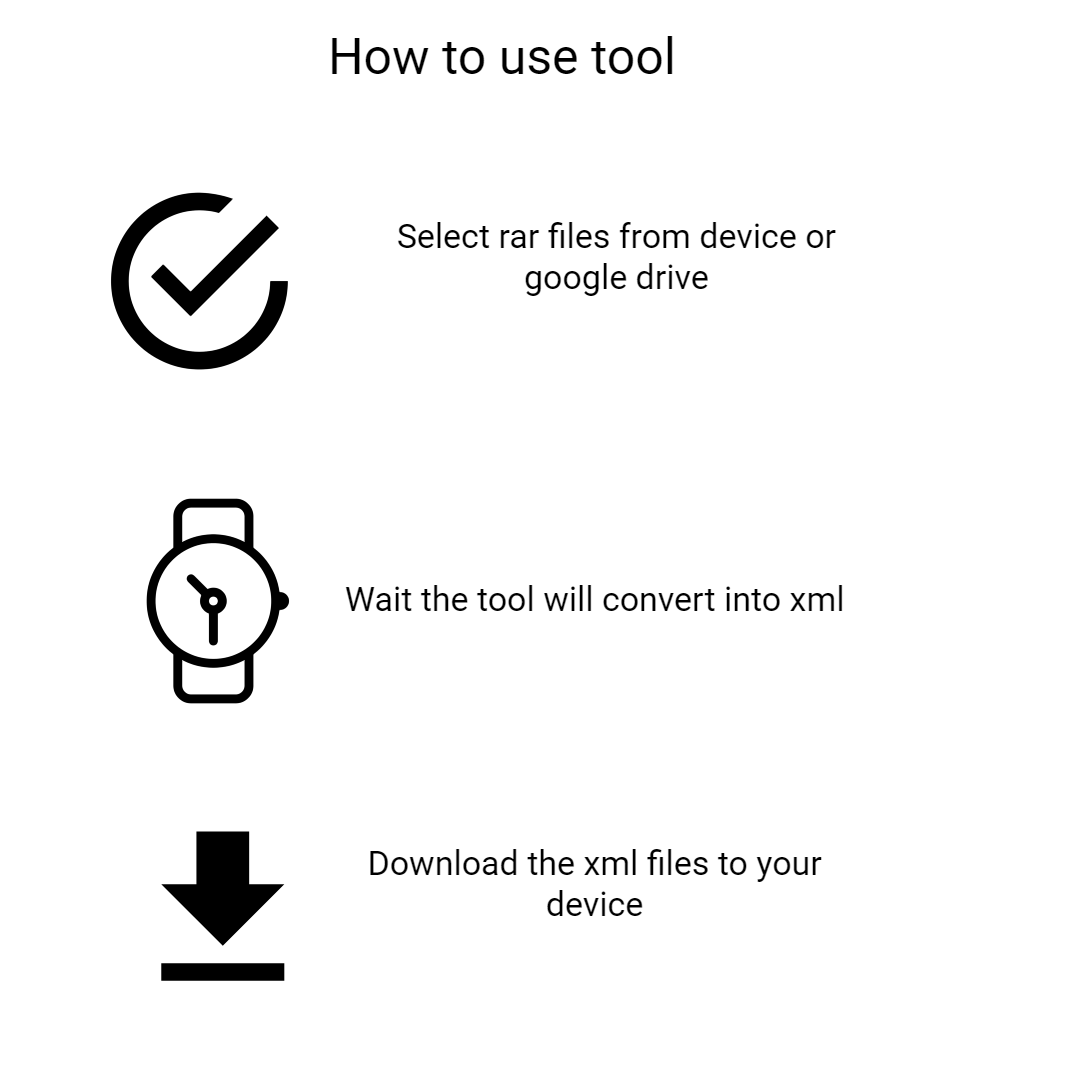
Frequently Asked Questions
A RAR file is a compressed archive format used to store multiple files. It reduces file size for easier sharing. RAR files can contain various file types. They are commonly used for backups and transfers. Special tools are required to extract them. They are widely used for efficient compression.
An XML file is a structured data format used to store and transport data. It uses tags to define elements. XML is both human-readable and machine-readable. It is widely used in web development and APIs. It is essential for structured information storage.
RAR files may contain XML documents inside them. Extracting XML files allows direct access to structured data. It simplifies editing and processing. Users can work with XML without handling the entire archive. It saves time and effort. This is useful for developers and analysts.
Yes, the tool is completely free. There are no charges for usage. All features are accessible without payment. Users can convert files anytime. There are no hidden fees. It is suitable for everyone.
No installation is required. The tool works online. Users can access it via a browser. This saves time and storage. It avoids compatibility issues. It is very convenient.
Yes, bulk download is available. Users can download all XML files at once. This saves effort. It is fast and efficient. It improves workflow. It is convenient.
Yes, cloud uploads are supported. You can import files from Google Drive or Dropbox. This saves time. It simplifies the workflow. The process is secure. It improves efficiency.
Check if the RAR file is valid. Ensure it contains XML files. Try uploading again. Use a stable internet connection. Retry with smaller files if needed. Contact our support team if necessary.
Yes, it is ideal for developers. XML is widely used in development. The tool simplifies data extraction. It saves time.
The process is very fast. Files are extracted quickly. Speed depends on file size. The tool is optimized for performance.
No signup is required. Users can start immediately. This saves time. It protects privacy. No personal data is needed.
Yes, it is easy to use. The interface is simple. No technical knowledge is required. Instructions are clear. Users can complete tasks quickly. It ensures a smooth experience.
This tool extracts JPG images from RAR files. It is useful for viewing images stored in compressed folders. Visit https://safezipkit.com/convert-rar-to-jpg to quickly access your photos. It simplifies file handling. .
This tool extracts MP3 audio files from RAR archives. Visit https://safezipkit.com/convert-rar-to-mp3 to access music files easily. You can play them instantly after extraction. It saves time and effort. It is very convenient. .
| Security | 100% (No files are sent to server for processing) |
| File size limits | None (No limit on size of files) |
| Usage limits | None (Process as many files as you want) |
| Price | Free |
| User Information Captured | None (We do not request for user information such as email / phone number) |
| Ads | None (We provide complete ad free experience) |
Over 100k Users Trust SafeZipKit for File Compression & Security
Join a growing community of users who rely on SafeZipKit.com for secure file compression, encryption, and efficient data management.