Zip successfully extracted
Click on a file to download it.
File Type
ZIP file
File Size
kb


Compress files to zip
Create zip file from multiple files
Unzip your file
Create zip from a folder
Merge multiple ZIP files into one
Split ZIP file into smaller parts or separate files
Encrypt ZIP files with 256-bit AES password protection
Create military-grade AES-256 encrypted ZIP archives with PBKDF2
Generate MD5, SHA-1, SHA-256, and SHA-512 hashes inside ZIP archives
Decrypt password-protected ZIP archives with known password
Fix corrupted ZIP archives and recover readable files
Decompress GZ files and convert to ZIP format locally
Decompress BZ2 files and convert to ZIP format locally
Convert ZIP archives to 7Z format for better compression
Convert ZIP archives to TAR or TAR.GZ format locally
Batch convert multiple archives between formats locally
Inspect ZIP archive structure and metadata without extracting
Inspect ZIP file headers, central directory, and binary metadata locally
Detect hidden files, appended data, and ZIP bombs in archives locally
Sort ZIP archive contents into category folders based on file extensions
Generate detailed inventories of ZIP contents without extracting (CSV, JSON, TXT, HTML)
Find and remove duplicate files inside ZIP archives using CRC-32 checksums
Verify archive file integrity against expected checksums
Edit ZIP archive comments, file names, and dates without extracting
Add and edit global archive comments and individual file annotations
Batch rename files inside ZIP archives with find-replace and regex
Evaluate ZIP password entropy, estimate crack times, and check breach databases
Scan ZIP archives for structural corruption, CRC mismatches, and header damage



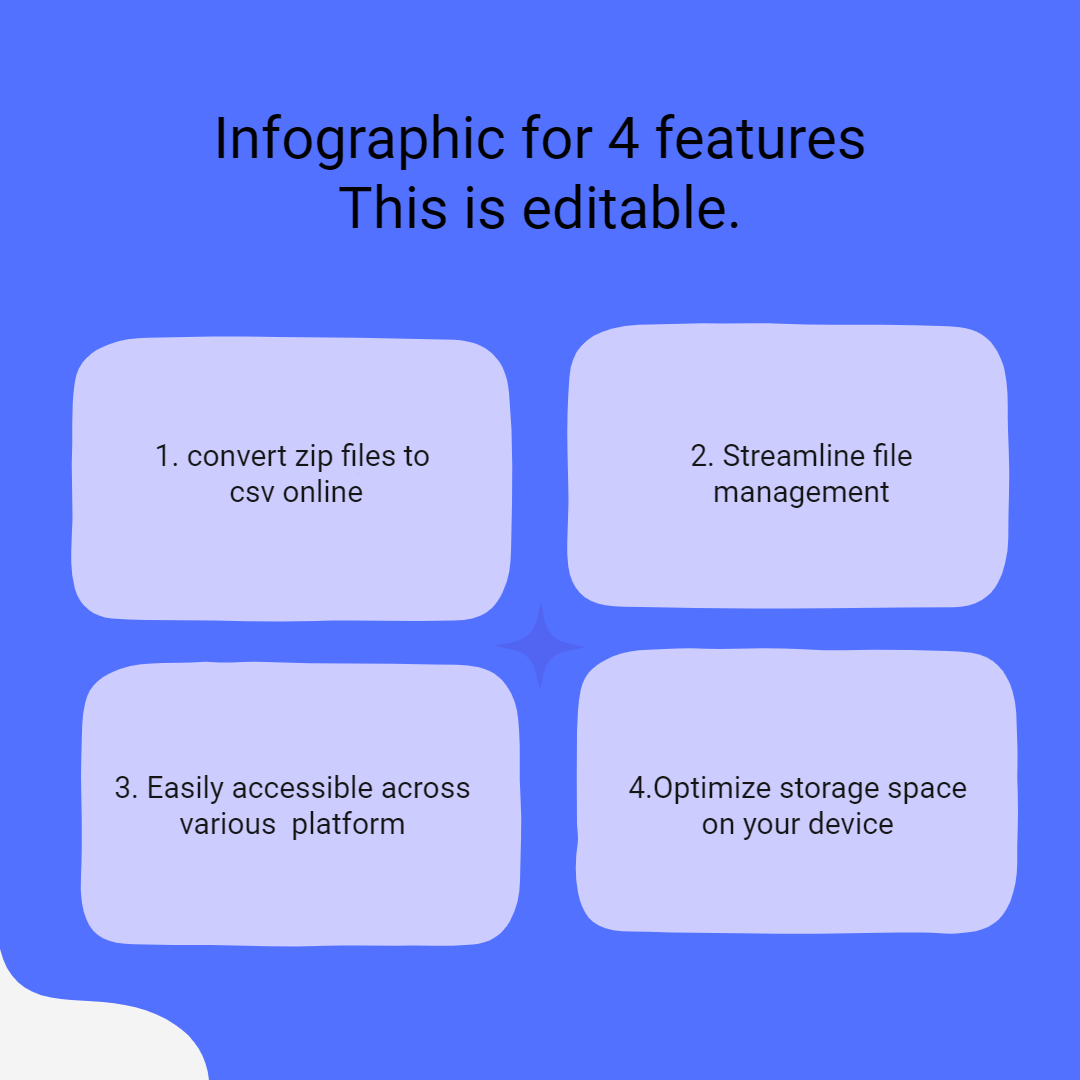
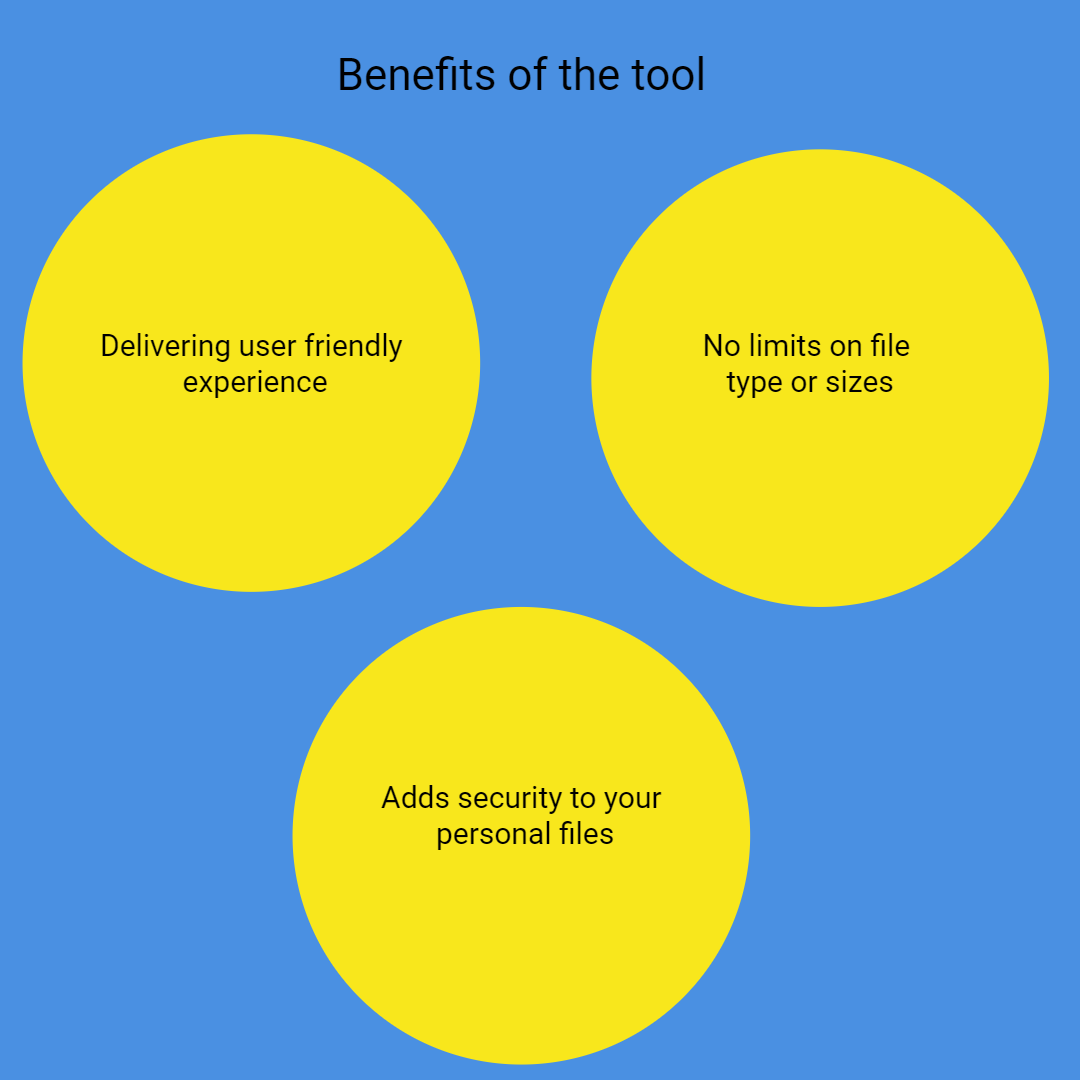
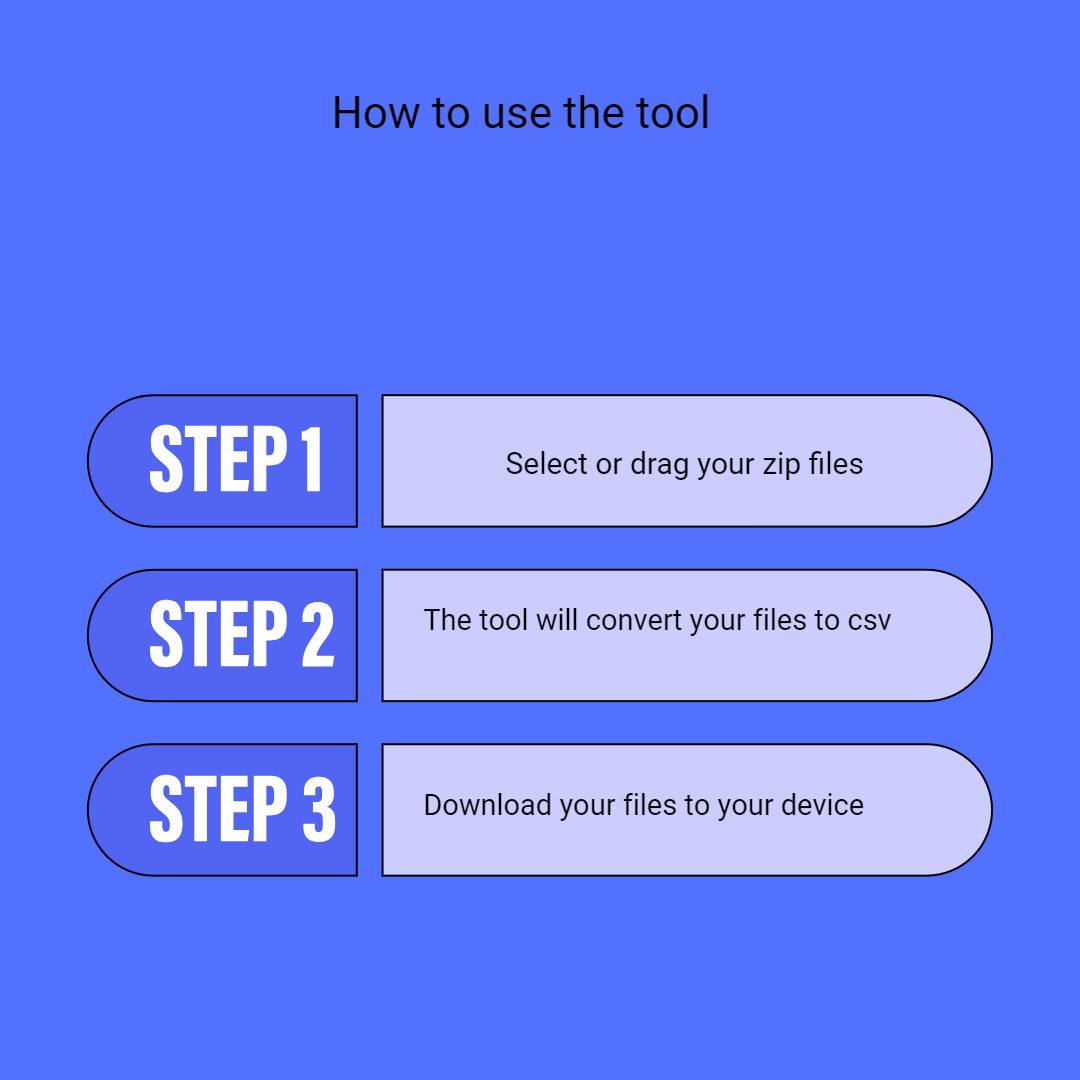
Our ZIP archives to CSV files converter features an intuitive design with simple buttons. Simply extract and download CSV files by uploading ZIP files. It is perfect for beginners, and no technical skills are required.
The ZIP to CSV conversion tool supports drag-and-drop, browsing your device, or uploading directly from Google Drive and Dropbox. This flexibility streamlines your workflow, saving you effort and time.
The ZIP to CSV converter’s advanced technology enables it to extract ZIP archive files and download CSV files rapidly. Your data remains secure with encryption during upload and automatic deletion afterward.
On our ZIP to CSV files conversion tool, you choose only the files you want to download, saving storage and time. It supports extraction from ZIPs with hundreds of files. You can download individual files or all at once.
This is an entirely web-based platform. No downloads or installations needed. Just visit the site, upload your ZIP files, and extract. It works on all browsers and devices. No login or registration is required, making it quick and accessible.
The convert ZIP files to CSV files feature works on desktops, tablets, and smartphones. No compatibility issues. The tool is designed to be accessible and user-friendly. Regardless of your device, you get reliable performance.

Other useful information
Explore our visual guides and infographics
Frequently Asked Questions
It’s an online tool that extracts data from ZIP archives and converts it into CSV format for easy use and analysis.
Absolutely! It’s free to use with no hidden charges.
Yes, files are encrypted and automatically deleted after conversion.
Click the download button for each file, or download all as a ZIP archive.
Yes, it works on desktops, tablets, and smartphones.
Yes, the tool supports large files efficiently.
It only extracts and downloads CSV files from ZIP archives.
No, only unencrypted ZIP files are supported by the tool.
Files are available for download and then automatically deleted for privacy.
No, an internet connection is required to extract CSV files from ZIP archives.
No, only ZIP archives containing CSV-compatible files.
Yes, it is optimized for all device types.
No, passwords are not supported at this time.
ZIP archives often contain e-books or reading materials. Converting ZIP to EPUB makes it easy to transfer and read content on Kindle, Nook, or other e-readers. This process is useful for authors, publishers, or readers who want their content in a flexible, widely supported format. Visit https://safezipkit.com/convert-zip-to-epub to convert and organize your library efficiently. .
ISO files are disk images used for distributing entire software packages or collections of files. Opening ISO online saves time and effort. Our ISO opener at https://safezipkit.com/open-iso-files-online provides quick, safe access to ISO contents, facilitating software setup, data recovery, or file extraction. .
| Security | 100% (No files are sent to server for processing) |
| File size limits | None (No limit on size of files) |
| Usage limits | None (Process as many files as you want) |
| Price | Free |
| User Information Captured | None (We do not request for user information such as email / phone number) |
| Ads | None (We provide complete ad free experience) |
Over 100k Users Trust SafeZipKit for File Compression & Security
Join a growing community of users who rely on SafeZipKit.com for secure file compression, encryption, and efficient data management.