Zip successfully extracted
Click on a file to download it.
File Type
ZIP file
File Size
kb


Compress files to zip
Create zip file from multiple files
Unzip your file
Create zip from a folder
Merge multiple ZIP files into one
Split ZIP file into smaller parts or separate files
Encrypt ZIP files with 256-bit AES password protection
Create military-grade AES-256 encrypted ZIP archives with PBKDF2
Generate MD5, SHA-1, SHA-256, and SHA-512 hashes inside ZIP archives
Decrypt password-protected ZIP archives with known password
Fix corrupted ZIP archives and recover readable files
Decompress GZ files and convert to ZIP format locally
Decompress BZ2 files and convert to ZIP format locally
Convert ZIP archives to 7Z format for better compression
Convert ZIP archives to TAR or TAR.GZ format locally
Batch convert multiple archives between formats locally
Inspect ZIP archive structure and metadata without extracting
Inspect ZIP file headers, central directory, and binary metadata locally
Detect hidden files, appended data, and ZIP bombs in archives locally
Sort ZIP archive contents into category folders based on file extensions
Generate detailed inventories of ZIP contents without extracting (CSV, JSON, TXT, HTML)
Find and remove duplicate files inside ZIP archives using CRC-32 checksums
Verify archive file integrity against expected checksums
Edit ZIP archive comments, file names, and dates without extracting
Add and edit global archive comments and individual file annotations
Batch rename files inside ZIP archives with find-replace and regex
Evaluate ZIP password entropy, estimate crack times, and check breach databases
Scan ZIP archives for structural corruption, CRC mismatches, and header damage


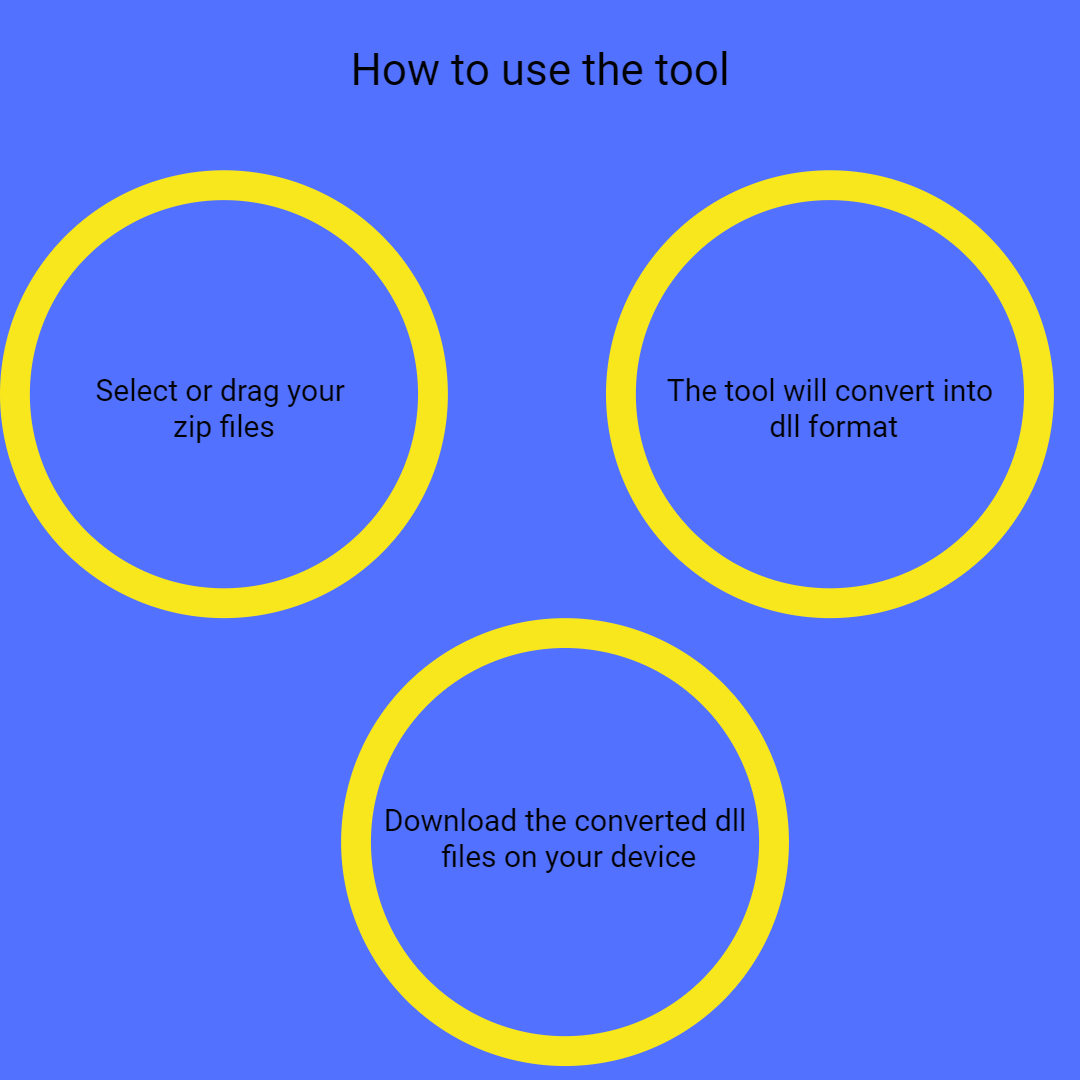
Our platform offers an intuitive drag-and-drop feature, allowing users to upload ZIP archives with ease, making the conversion process straightforward even for beginners. You can upload your ZIP files directly from Google Drive or Dropbox, making it convenient to work with files stored online without downloading them first. This flexibility streamlines your workflow and saves time, especially when managing multiple files.
Once uploaded, the tool automatically scans the archive and extracts only DLL files, ignoring other file types, ensuring you get only the relevant files. This automation reduces manual effort and minimizes errors, providing you with precisely what you need. It also speeds up the process, allowing for quick retrieval of essential DLLs for further use.
Users can extract multiple DLL files from a single archive, saving time during bulk operations. This feature is ideal for developers or businesses dealing with large projects that require processing numerous files simultaneously. It eliminates the need for repetitive manual extraction, making your workflow more efficient.
The extraction process happens instantly, and the DLL files are available for download immediately after upload, ensuring a quick workflow. This real-time response minimizes waiting times, allowing you to proceed with your project without delays. You can also choose to download all files at once or select specific ones, providing flexibility in how you manage the extracted data.
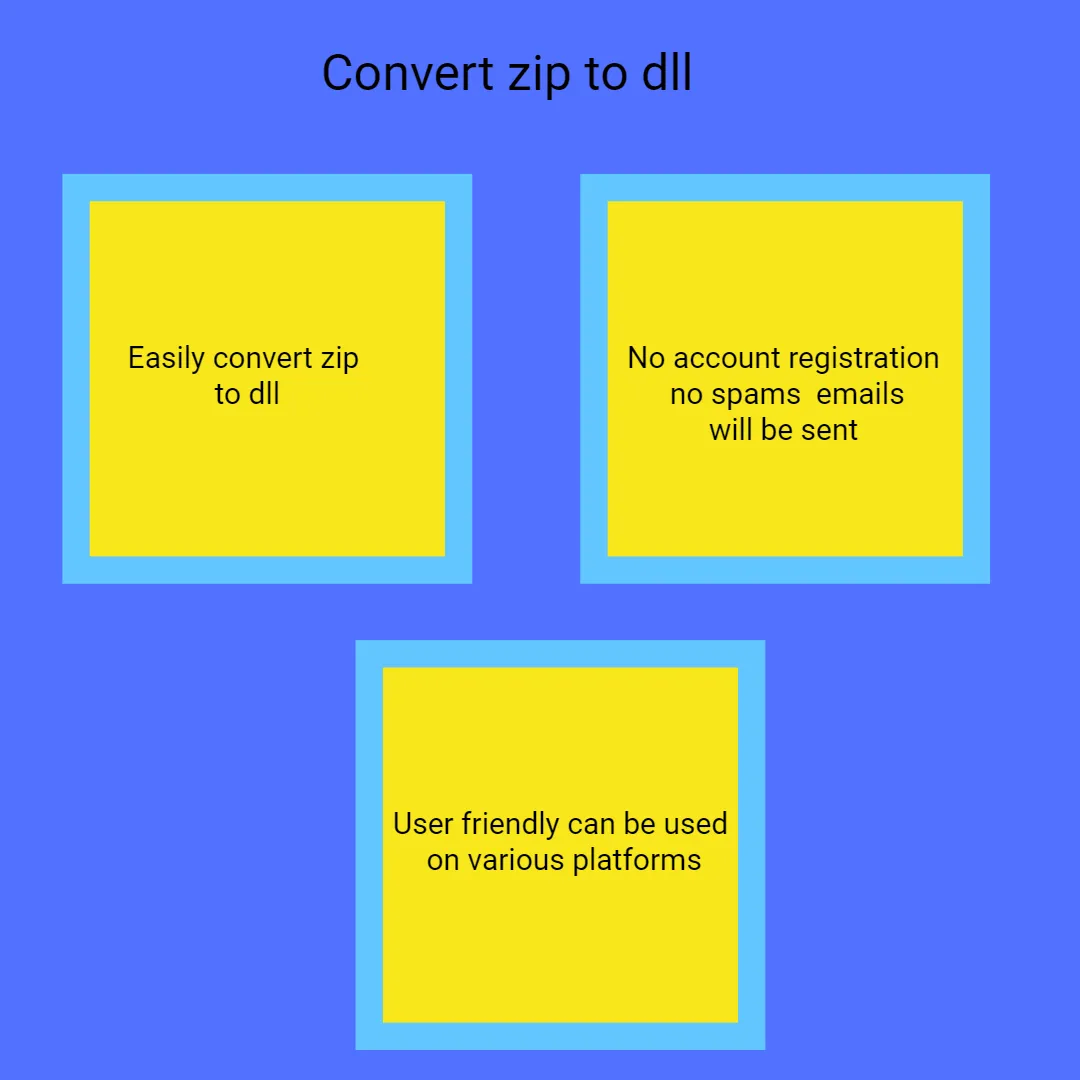
All data is transmitted via encrypted connections. The entire extraction process is performed directly within your web browser; your files are not sent to our servers at any point, ensuring complete privacy and data confidentiality. Our platform complies with strict security standards to protect your information from unauthorized access. You can confidently use our service knowing your data is safe and private.
The ZIP to DLL converter is designed for cross-platform use; it works seamlessly on desktops, tablets, and smartphones, with no compatibility issues. This ensures you can perform conversions anytime and anywhere. The interface adapts to different screen sizes, providing a consistent user experience. No matter what device you use, our platform remains reliable and easy to operate.

Other useful information
Explore our visual guides and infographics
Frequently Asked Questions
Converting ZIP to DLL is useful when you want to install or use dynamic link library files that are stored within ZIP archives. Developers often compress DLL files for distribution or backup, but to use them, you need the DLL in its native format. This conversion simplifies the process of extracting and deploying DLL files directly from compressed archives. It’s especially helpful during software development, testing, or when managing large collections of DLLs. By converting ZIP to DLL, you avoid manual extraction and ensure the DLL files are ready for immediate use. This process enhances efficiency, reduces errors, and saves time in managing library files for Windows-based applications.
ZIP files are compressed archives used to bundle multiple files and folders into a single, smaller package for easier storage and transfer. They are widely supported and compatible across operating systems, making sharing convenient. ZIP compression reduces the overall size of files without losing data, which speeds up download and upload times.
DLL (Dynamic Link Library) files are binary files containing code and data that multiple programs can share and use simultaneously. They enable modular programming, allowing developers to update or add features without changing the entire application. DLLs are essential in Windows environments for providing common functions, libraries, or plugins. They help reduce memory usage and disk space by sharing resources among applications. DLL files are used for extending software capabilities, such as adding new features or supporting hardware drivers. Proper management of DLLs ensures smooth application operation, updates, and compatibility. Converting ZIP archives containing DLLs allows easy deployment and installation of these shared libraries.
No, the tool is entirely web-based and requires no installation or registration. Simply visit the website, upload your ZIP archive, and the conversion process begins instantly. This makes it accessible on any device.
If your ZIP archive does not include DLL files, the extraction process will yield no DLLs for download.
Our platform cannot process password-protected or encrypted archives for security reasons. Before uploading, remove the password protection using an archive utility like WinZip or 7-Zip. Once decrypted, you can upload the unprotected ZIP archive for extraction.
After download, you can verify DLL files by checking their properties or using them in your development environment. Make sure they are complete and uncorrupted by testing their functionality within your application.
Yes, the platform supports ZIP archives with mixed file types, including DLLs. It will extract only the DLL files, leaving other files untouched. This selective extraction helps you target the specific files you need without manual filtering. The process is quick and efficient, even for archives with many different formats. You can then download the DLLs separately or together. This flexibility is useful for managing complex archives containing various components.
For large files, ensure you have a stable and fast internet connection. If uploads are slow, consider splitting the archive into smaller parts using archive tools. Processing smaller archives reduces upload time and prevents timeout errors. Also, try using a different browser or device if issues persist.
You can choose to download all DLL files at once or select individual DLL files for download. The interface provides options to view each DLL file separately, making it easy to manage specific files. Downloading individually helps if you only need certain DLLs, saving storage space and bandwidth. The platform supports flexible download options to suit your needs, whether for testing or deployment purposes. This feature streamlines your workflow by giving you control over your files.
Our platform does not impose strict limits on daily conversions, allowing unlimited use.
This tool helps you get DLL files from a RAR archive. It is useful for developers or software users who need specific system files. Visit https://safezipkit.com/convert-rar-to-dll to simplify the extraction process. .
This tool extracts DOC files from RAR folders. It is useful for accessing Word documents quickly. You don’t need to open the archive manually. Visit https://safezipkit.com/convert-rar-to-doc for easy document handling. .
| Security | 100% (No files are sent to server for processing) |
| File size limits | None (No limit on size of files) |
| Usage limits | None (Process as many files as you want) |
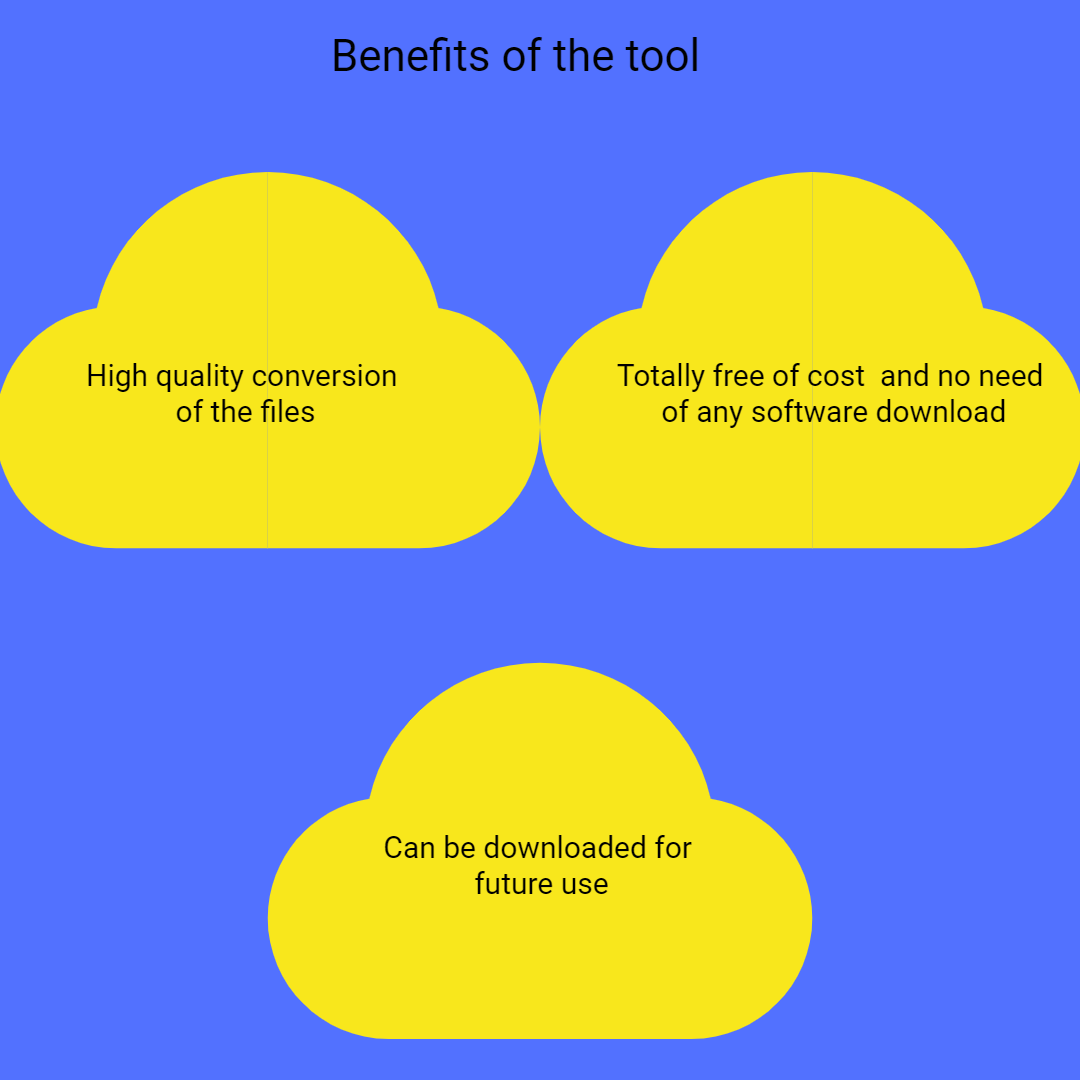
| Price | Free |
| User Information Captured | None (We do not request for user information such as email / phone number) |
| Ads | None (We provide complete ad free experience) |
Over 100k Users Trust SafeZipKit for File Compression & Security
Join a growing community of users who rely on SafeZipKit.com for secure file compression, encryption, and efficient data management.