Zip successfully extracted
Click on a file to download it.
File Type
ZIP file
File Size
kb


Compress files to zip
Create zip file from multiple files
Unzip your file
Create zip from a folder
Merge multiple ZIP files into one
Split ZIP file into smaller parts or separate files
Encrypt ZIP files with 256-bit AES password protection
Create military-grade AES-256 encrypted ZIP archives with PBKDF2
Generate MD5, SHA-1, SHA-256, and SHA-512 hashes inside ZIP archives
Decrypt password-protected ZIP archives with known password
Fix corrupted ZIP archives and recover readable files
Decompress GZ files and convert to ZIP format locally
Decompress BZ2 files and convert to ZIP format locally
Convert ZIP archives to 7Z format for better compression
Convert ZIP archives to TAR or TAR.GZ format locally
Batch convert multiple archives between formats locally
Inspect ZIP archive structure and metadata without extracting
Inspect ZIP file headers, central directory, and binary metadata locally
Detect hidden files, appended data, and ZIP bombs in archives locally
Sort ZIP archive contents into category folders based on file extensions
Generate detailed inventories of ZIP contents without extracting (CSV, JSON, TXT, HTML)
Find and remove duplicate files inside ZIP archives using CRC-32 checksums
Verify archive file integrity against expected checksums
Edit ZIP archive comments, file names, and dates without extracting
Add and edit global archive comments and individual file annotations
Batch rename files inside ZIP archives with find-replace and regex
Evaluate ZIP password entropy, estimate crack times, and check breach databases
Scan ZIP archives for structural corruption, CRC mismatches, and header damage



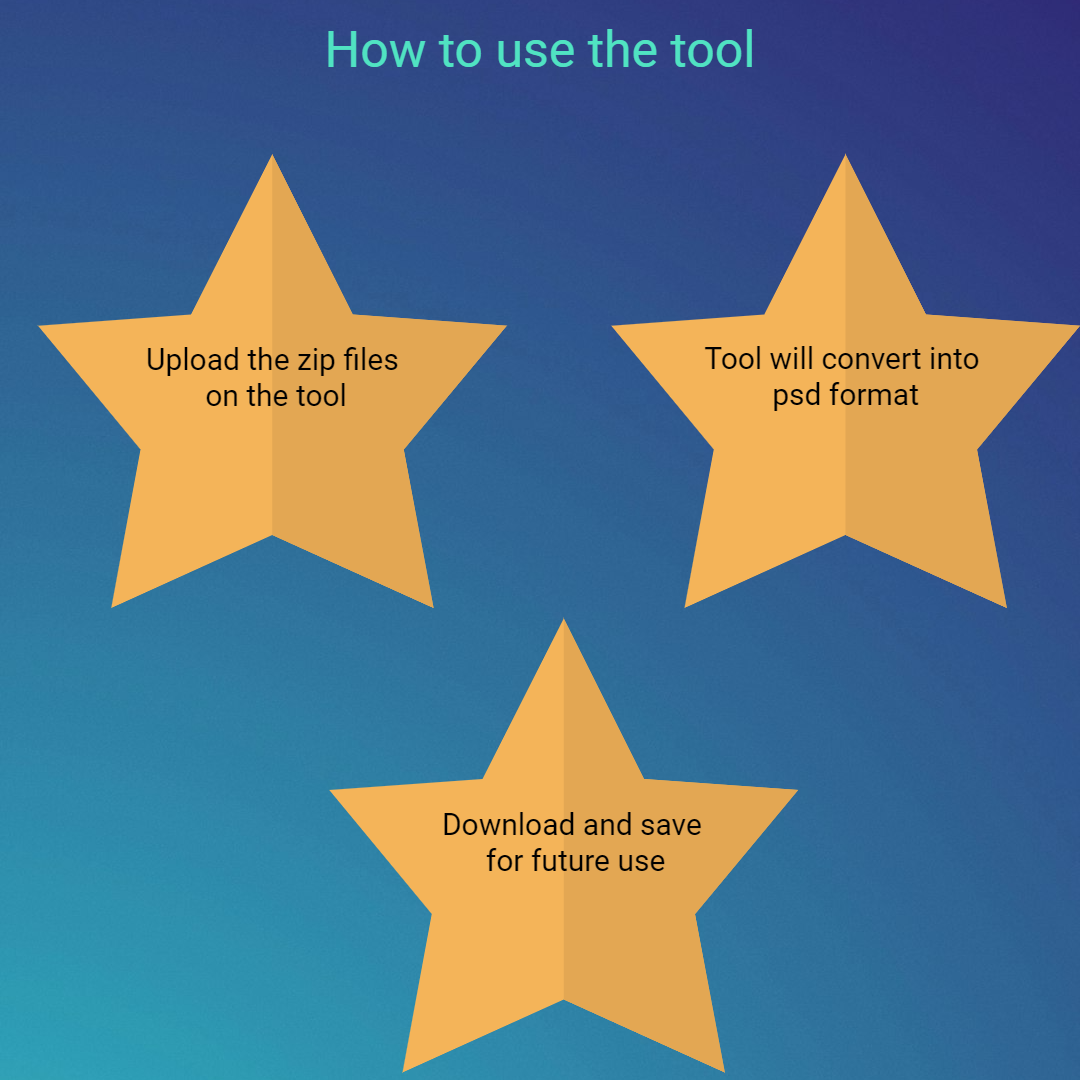
The tool provides a simple upload interface for designers. You can either click the ‘Upload’ button or drag and drop ZIP files easily. Additionally, you can import ZIP files from Google Drive or Dropbox. No technical knowledge is needed. The interface is clean and minimal.
The tool extracts PSD files immediately. Processing begins as soon as the file is uploaded. It detects PSD files accurately. No manual steps are required. It supports multiple files, saving time. The process of extraction is fast and reliable.
Users can download all PSD files together. This is useful for large design projects, reducing repetitive actions. Files are organized properly. Users can still download specific PSD files. This helps when only certain designs are needed to avoid unnecessary downloads, saving storage space.
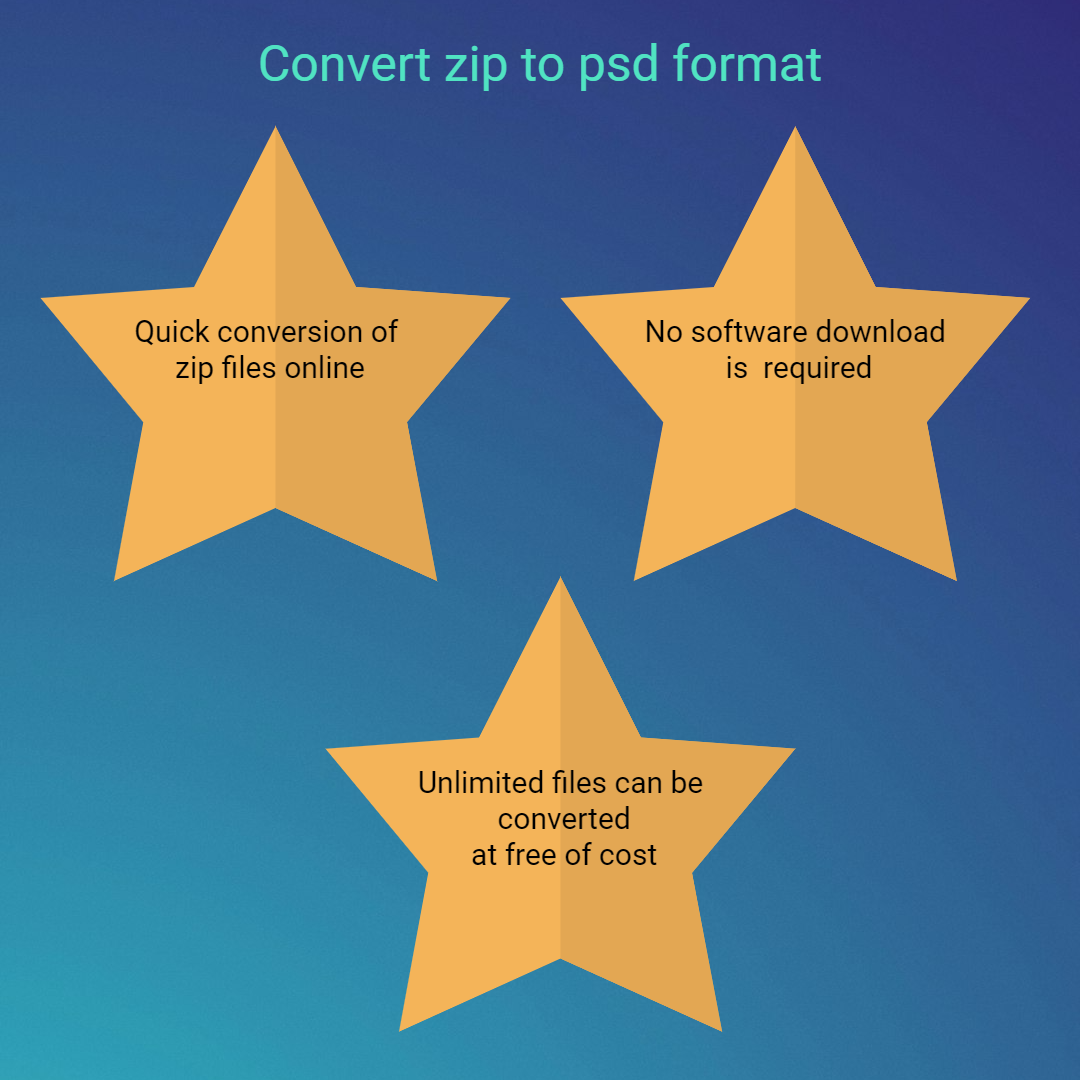
The tool works completely online. No software needs to be installed or downloaded. Users can access the tool instantly. It works in all browsers. It is easy and convenient to use, removing any technical barriers.
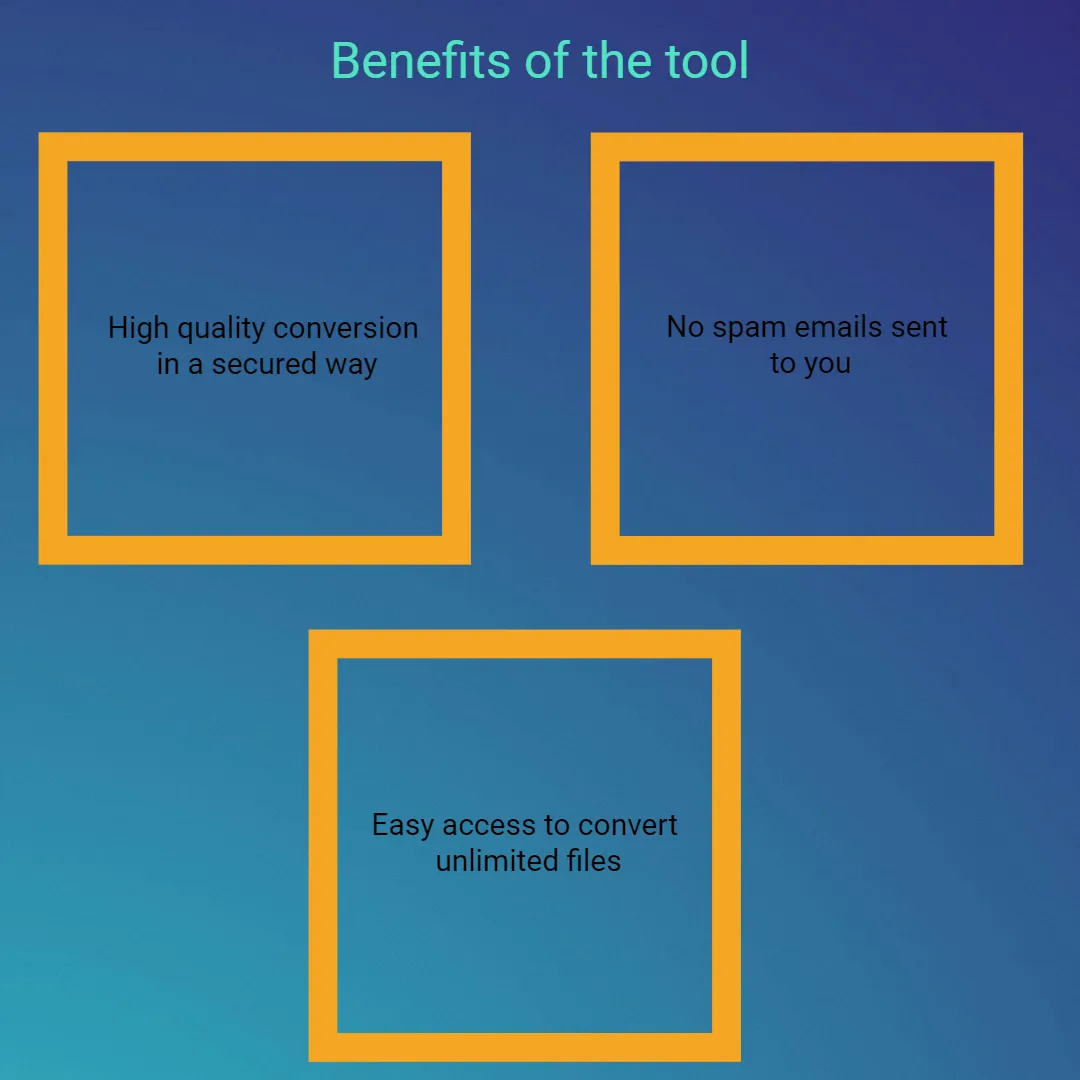
The tool ensures secure file processing. Uploaded files are not stored permanently. Data privacy is maintained throughout the process. It reduces security risks. Users can trust the platform and upload confidential ZIP files to extract PSD files. It protects sensitive design files.
The tool works seamlessly across all devices, including mobile phones, tablets, and desktop computers. It is fully compatible with all major browsers, ensuring a smooth experience without any technical issues or limitations. The interface automatically adapts to different screen sizes, providing a user-friendly experience on any device.

Other useful information
Explore our visual guides and infographics
Frequently Asked Questions
A ZIP file is a type of compressed folder that can hold multiple files inside it. It reduces the overall file size, which makes it easier to store and share online. Instead of sending many files one by one, you can combine them into a single ZIP file. It also helps keep files organized in one place. ZIP files are supported on almost all devices and operating systems. They are commonly used for downloads, backups, and file transfers.
A PSD file is a design file created using Adobe Photoshop. It stores images along with layers, effects, text, and other design elements. This allows designers to edit each part of the image separately. PSD files are useful for creating high-quality graphics and professional designs. They support detailed customization and editing. Because of this, they are widely used by graphic designers, photographers, and digital artists.
ZIP files cannot be opened directly in design software. First, you need to extract the files inside the ZIP folder. If the ZIP file contains PSD files, this tool helps you quickly access them. It saves time by simplifying the extraction process. Users can directly get their design files without extra steps. This makes the workflow faster and more convenient, especially for designers.
Yes, this tool is completely free to use. You do not need to pay anything or subscribe to access its features. There are no hidden charges or limitations. Users can convert files anytime without worrying about cost. It is designed to be accessible for everyone, including students and professionals.
Extraction may fail if the ZIP file is damaged or not downloaded properly. In such cases, try uploading the file again. You can also check your internet connection to ensure it is stable. Sometimes switching to another browser can solve the issue. Make sure the ZIP file is not corrupted. Most problems can be fixed easily with these steps.
Most common file sizes are supported without issues. Larger files may take more time to upload and process. Your internet speed also plays an important role. Overall, it works well for most regular use cases.
The extraction process is usually very fast. Most files are processed within seconds after uploading. However, the speed depends on the size of the ZIP file. A faster internet connection will give better results. Even large files are handled efficiently. The tool is designed to provide quick and smooth performance.
Yes, this tool is very useful for designers. It helps them quickly access PSD files from ZIP folders. Designers often work with multiple files, so this saves a lot of time. It also simplifies their workflow. Both beginners and professionals can use it easily. It is a reliable tool for design-related tasks.
No, the quality of the PSD file will not be affected. The tool only extracts the file and does not make any changes to it. All layers, effects, and details remain exactly the same. The original design stays intact. This ensures that users get the same file without any loss. It is safe for professional use.
Some common issues include corrupted ZIP files or slow internet connections. Unsupported file formats may also cause problems. Sometimes browser-related issues can affect performance. Large file sizes may take longer to process. However, most of these problems can be fixed easily. Using a stable connection and updated browser helps avoid issues.
This tool makes it easy to access PSD files from ZIP folders. It removes the need for manual extraction using software. Users can quickly open and use their design files. It saves time and effort. It also simplifies the entire workflow. Overall, it is a very practical and helpful tool.
Yes, you can use this tool on any device, including mobile phones, tablets, and desktops. It works through a web browser.
Yes, the tool works well on all modern browsers like Chrome, Edge, Safari, and Firefox. You do not need to worry about compatibility issues. It runs smoothly without errors.
Anyone can use this tool without any technical knowledge. It is suitable for designers, students, and general users. Beginners can easily understand how it works. Professionals can use it for quick tasks. The interface is simple and user-friendly. It is designed to be accessible for everyone.
This tool helps extract IPA files for iOS apps. It is useful for developers and testers. Visit https://safezipkit.com/convert-zip-to-ipa and access app files easily. .
This tool extracts MP3 audio files from ZIP folders. Visiting https://safezipkit.com/convert-zip-to-mp3 allows you to access music quickly and play instantly. .
| Security | 100% (No files are sent to server for processing) |
| File size limits | None (No limit on size of files) |
| Usage limits | None (Process as many files as you want) |
| Price | Free |
| User Information Captured | None (We do not request for user information such as email / phone number) |
| Ads | None (We provide complete ad free experience) |
Over 100k Users Trust SafeZipKit for File Compression & Security
Join a growing community of users who rely on SafeZipKit.com for secure file compression, encryption, and efficient data management.